


Chat Studio
Describe it and it gets made. One conversation reaches images, video, music, voice-over, copy and 3D, and picks the model for you.
genvi is an all-in-one stack for your creative workflows. Describe what you want in chat and get it back, or connect nodes and orchestrate generative models yourself. Built for creators, studios, and enterprise teams to produce visual narratives and production-ready content without boundaries.
Pause or cancel anytime.
Model Integrations
Made with genvi
Stills, spots and cutdowns generated, composed and exported in the browser. No plugins, no render farm, no second tool.
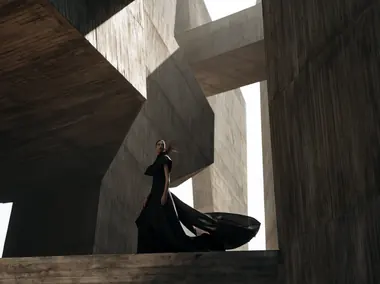
Couture campaign
Grok Imagine Video
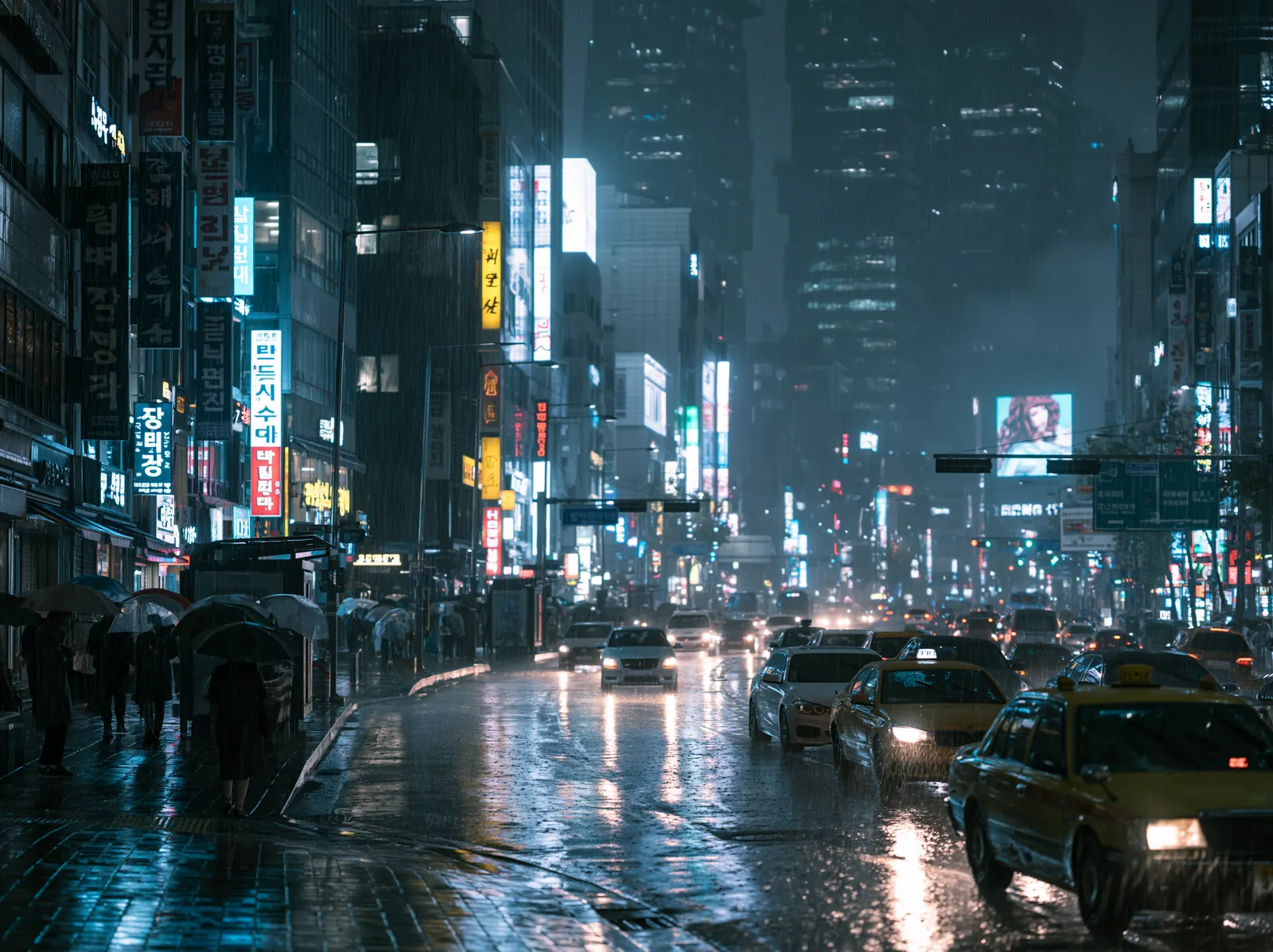
Tokyo, after the rain
Product film
Grok Imagine Video

Sports campaign
Animated short
Grok Imagine Video

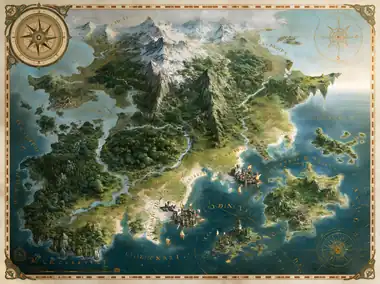
Fantasy key art

Food editorial

Animated character
Original score
Suno v4

Lifestyle campaign
Product hero
Grok Imagine Video
Storybook, in motion
Grok Imagine Video
A child's drawing, moving
Grok Imagine Video

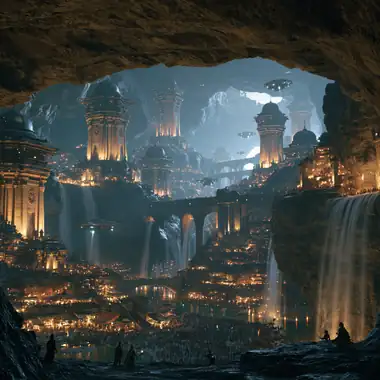
Sci-fi environment

Pixel-art level

Charcoal study
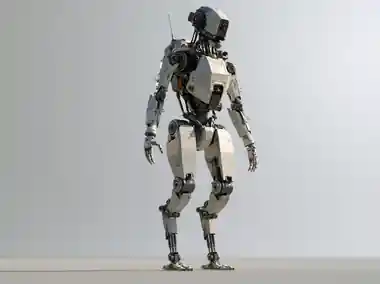
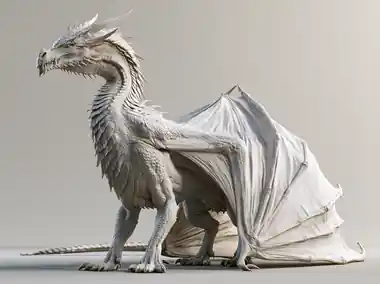
Creature asset
3D Studio
Wildlife film
Grok Imagine Video
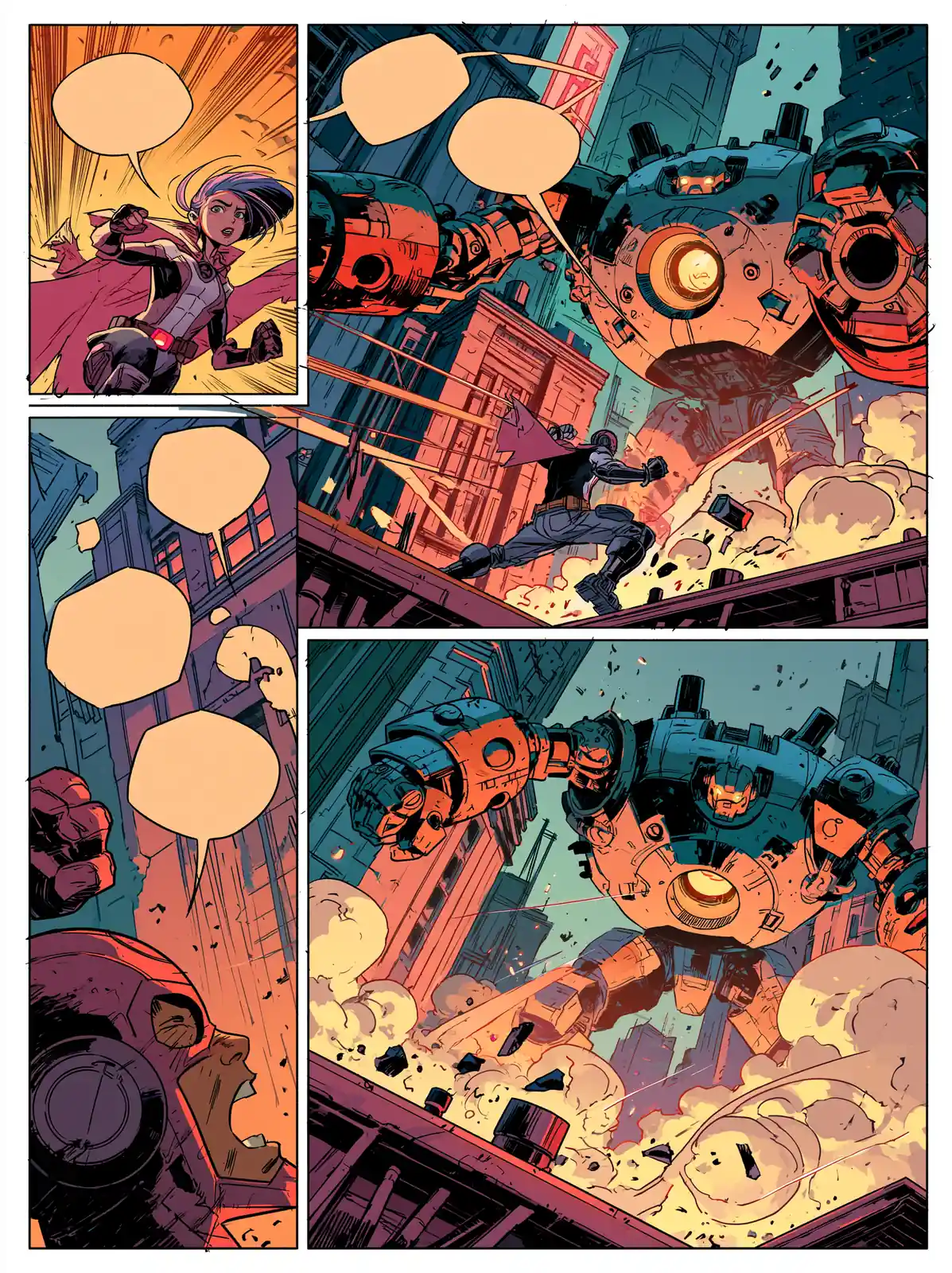
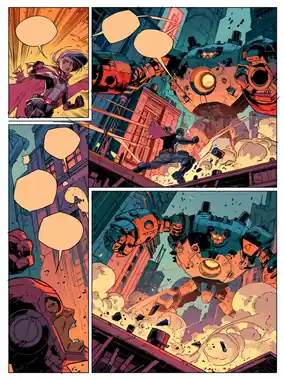
Comic page
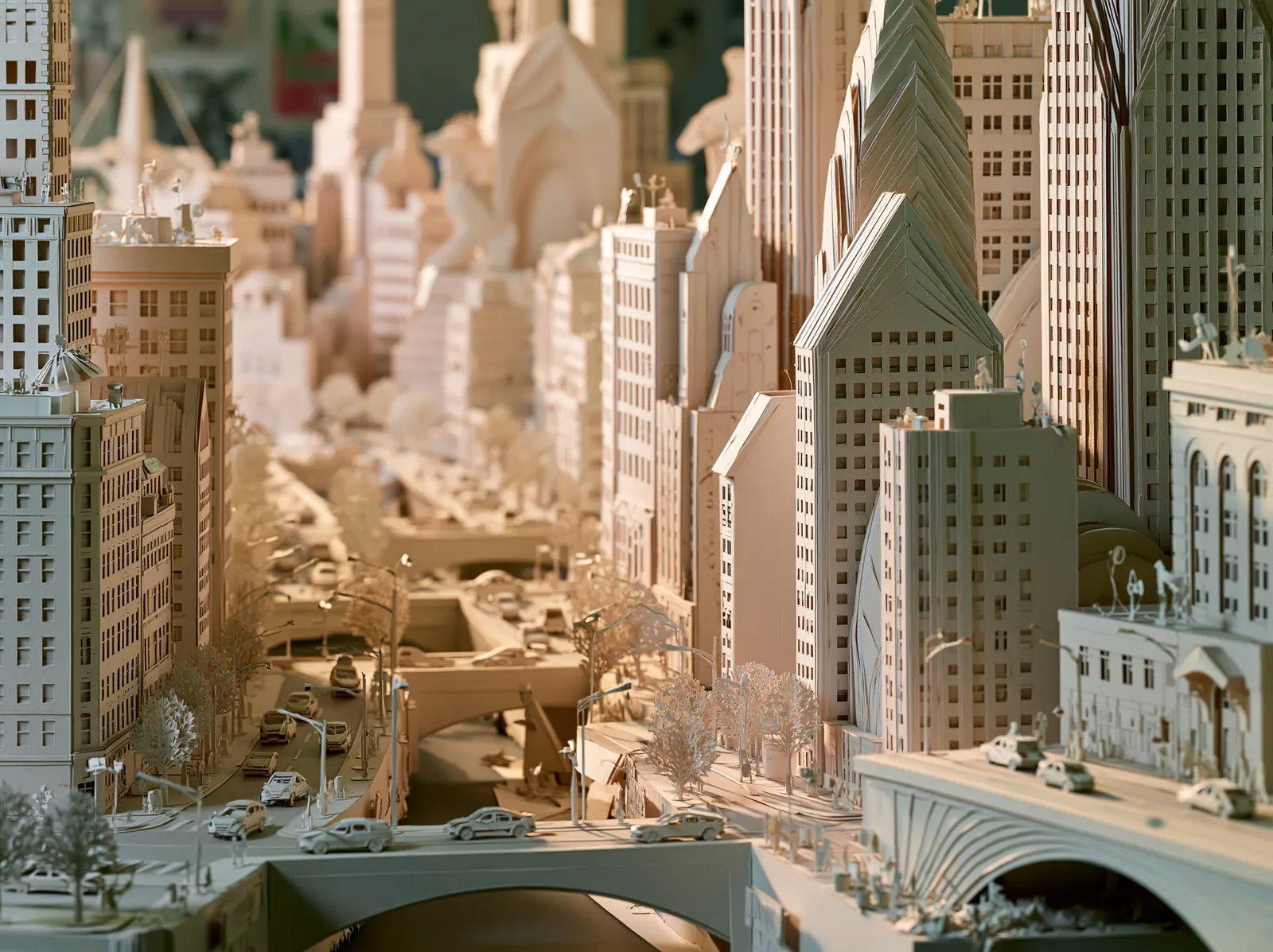
Paper-cut cityscape
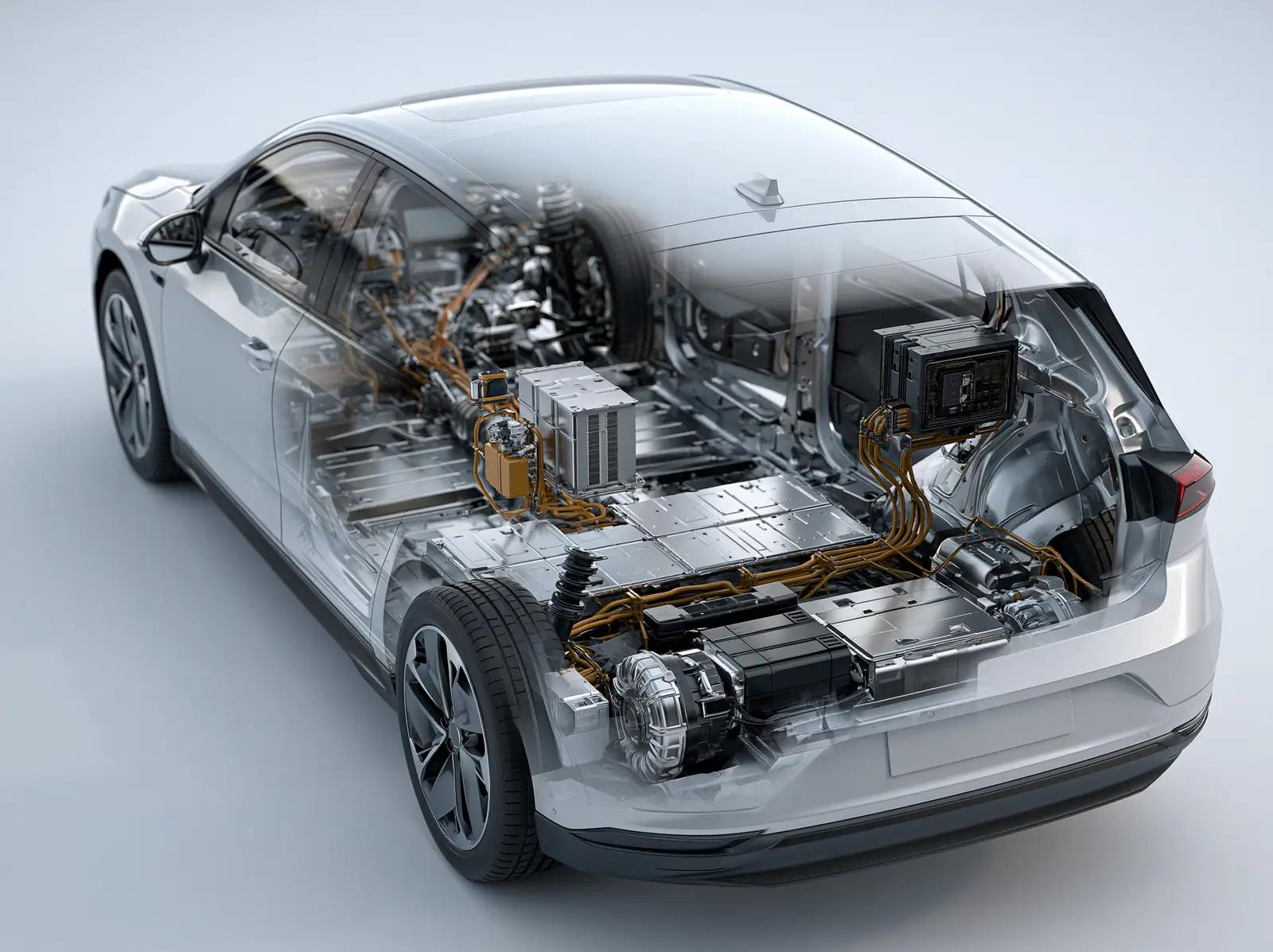
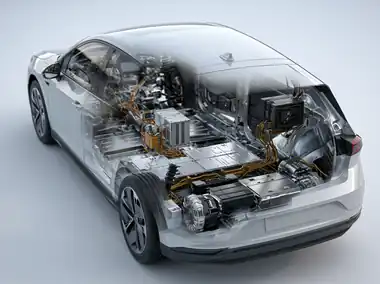
Technical cutaway
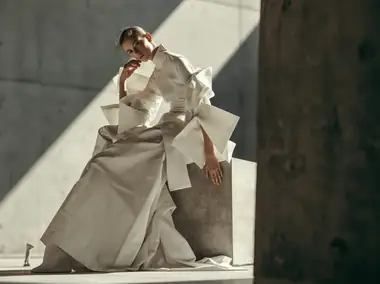
Runway film
Grok Imagine Video
Luxury product film
Grok Imagine Video

Historical reconstruction
Who It's For
Whether you are crafting solo narratives, running a digital agency, or scaling enterprise content production, genvi provides the infinite canvas to bring your vision to life.









































Features
A complete production platform for AI generation, image design, video layout, diagrams, and timeline composition.
Describe it and it gets made. One conversation reaches images, video, music, voice-over, copy and 3D, and picks the model for you.
Wire text, image and video nodes into a pipeline. Run it, tweak one node, run it again without starting over.
A real timeline for the clips you just generated. Trim, layer, split at the playhead, export MP4 in the browser.
Layer-based image editing with masks, blend modes, text and shape layers, and export up to 3x scale.
Sketch, map and plan on an endless canvas. Shapes, connectors, Kanbans, tables, and AI-generated diagrams.
Drop in a GLB, light it with HDRI, paint AI textures straight onto the mesh, and frame the shot automatically.
Ask for the thing, not the steps. It works your canvas directly, in every studio, with the same controls you use.
Veo, Imagen, Grok and more, from any canvas.
Flowcharts, mind maps, ERDs and org charts from a sentence.
Describe a project, get a wired multi-node workflow back.
Poses, expressions and turnarounds from one description.
Any set of frames packed into a game-ready grid.
Gemini or xAI keys, encrypted with AES-256-GCM.
Every asset you make, foldered, with 5 GB included.
Product Workflows
Select an editor from the options, configure and route your assets, and watch our visual pipeline render the final cuts.
Flexible Execution
Run model generations instantly on our serverless cluster, or integrate your own custom keys.
Access enterprise-hosted models instantly. Pay via a simple cloud credit allowance with fully transparent per-generation rates listed on every canvas node.
Prefer direct provider billing? Configure your own Google AI or xAI keys. Route calls through your credentials.
Flexible Billing
Choose a membership plan that fits your production workload. Top up on extra credits whenever you need.
Perfect for exploring the studios and testing workflows.
Perfect for creators, hobbyists, and game developers starting out.
Ideal for professionals and indie developers scaling their output.
Designed for studios, teams, and heavy production workloads.
One-time top-up packs • Credits never expire and carry over month-to-month
FAQ
Everything you need to know about models, storage, licensing, security, and rendering pipeline.
Every account receives a free credit allowance that renews each month on your signup date — the same day-of-month you joined. Credits are consumed atomically only when a hosted cloud model executes successfully. If a model fails or returns an error, the credits are immediately refunded. You can view your real-time balance in your project toolbar.
Absolutely! Under your Account Settings, you can configure your own Google AI (Gemini/Imagen/Veo) or xAI (Grok) API keys. When you do, we route executions directly through your credentials. In this case, no credits are deducted from your balance, allowing you to pay raw API costs directly to the providers.
Yes, security is a core pillar of genvi. Your API keys are encrypted with authenticated AES-256-GCM and used only to execute the requests you run against the AI providers you choose. They are never sold and never logged in plaintext, and they are removed when you revoke them or delete your account.
Chat Studio is the no-nodes way to create. You describe what you want in plain words and get an image, video, music bed, voice-over, copy or 3D asset back, then keep replying to refine it. It reaches the same model catalog and the same credit system as every other studio, and saves everything to your File Repository automatically. Use chat when you want one asset and expect to iterate conversationally. Use a Node Workflow when you need the same pipeline run repeatedly, or several models chained in one pass.
Workflows are structured node-based pipelines representing DAG execution trees (topological routing of AI generations from inputs to outputs). The Whiteboard Canvas is an infinite, unstructured sandbox where you can freely draft flowcharts, mind maps, sticky notes, Kanban boards, and freehand pen drawings. It also features a natural-language AI chat assistant to generate diagrams instantly.
You own 100% of all generated and compiled assets. All images, layouts, sequences, character sheets, sprite grids, and exported videos are fully yours to use commercially without any licensing fees, royalties, or attribution required.
The Video Composer uses WebAssembly-based FFmpeg (FFmpeg WASM) directly inside your browser. This enables offline-capable, high-performance rendering that operates entirely locally on your device without transmitting your heavy video clips to any server, saving you render fees and maintaining absolute file privacy.
Create a free account, connect your favorite AI providers, draft flowcharts on the whiteboard, and render clips instantly.